Math Problem Free
Solve sums to switch it off. Choose easy, medium or hard.
 Rise
Get the app
Alarm clock for iPhone
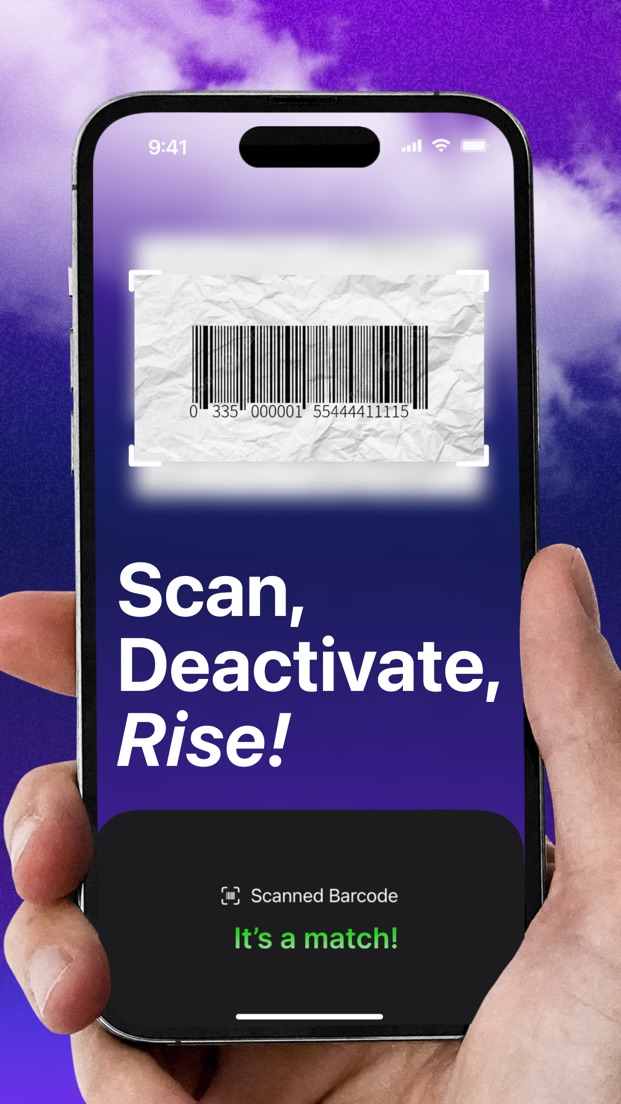
Rise keeps ringing until you get up and do something: scan a barcode in the kitchen, solve a sum, shake your phone awake. Then it checks you didn't crawl back into bed.
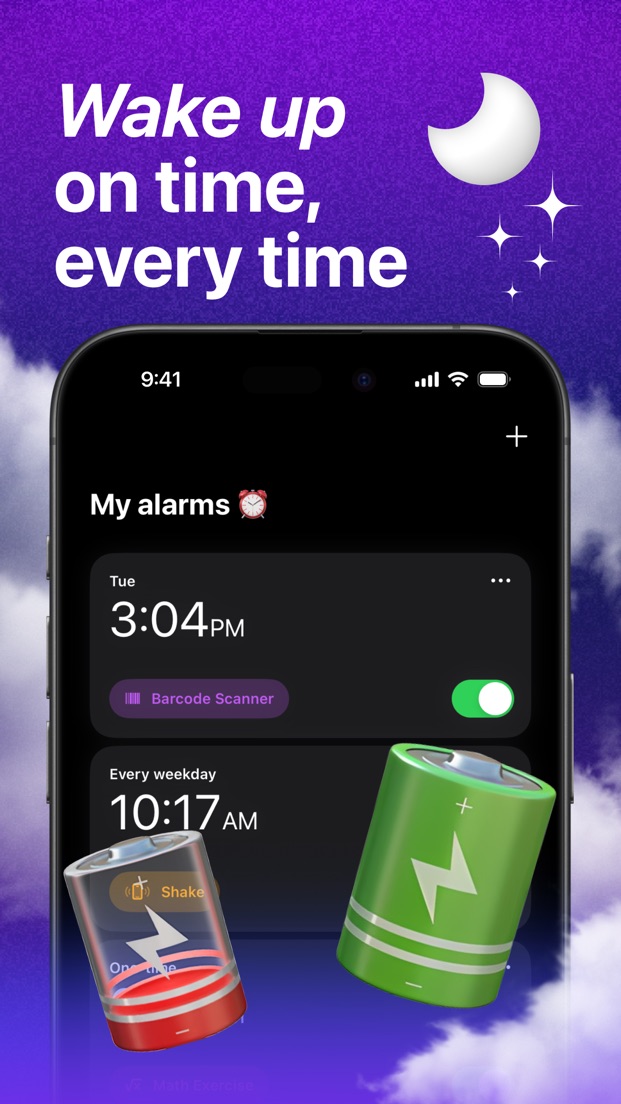
Most alarms can be silenced half-asleep. Rise makes the off switch something your brain and legs have to do. Setting one up takes three steps.
Pick a time and a repeat: once, weekdays, weekends, every day, or the exact days you choose. Pick a built-in sound or your own audio file.
Pick a wake-up task for that alarm: a math problem, a phrase to type, or (with Pro) a barcode on the coffee jar that you can't scan from bed.
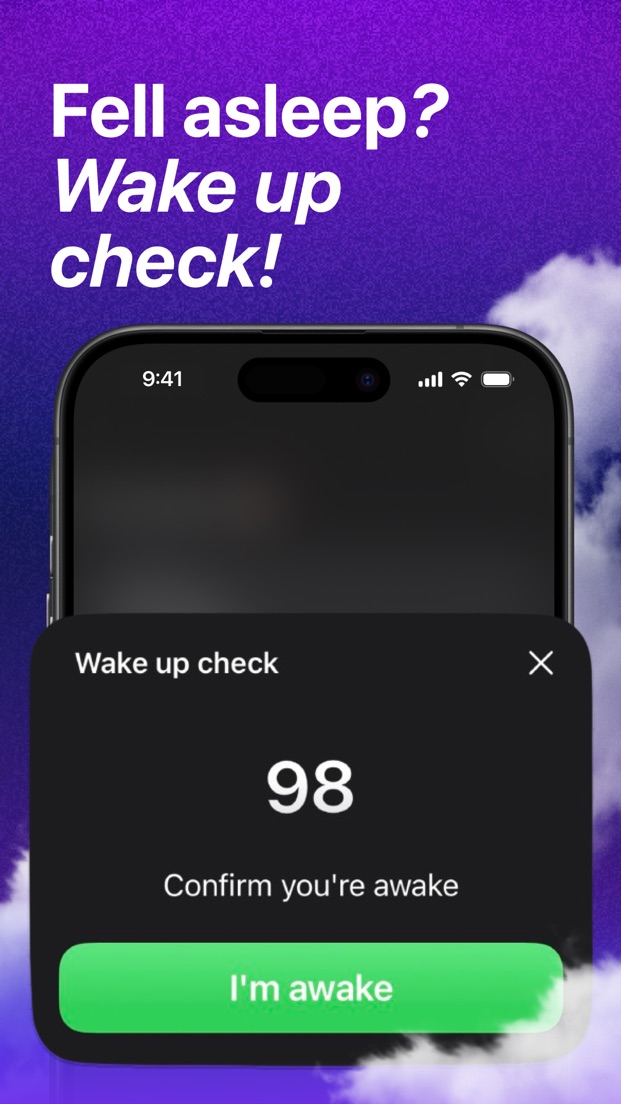
The alarm rings until the task is done. Turn on the wake-up check and you have 100 seconds to confirm you're up, or it rings again.
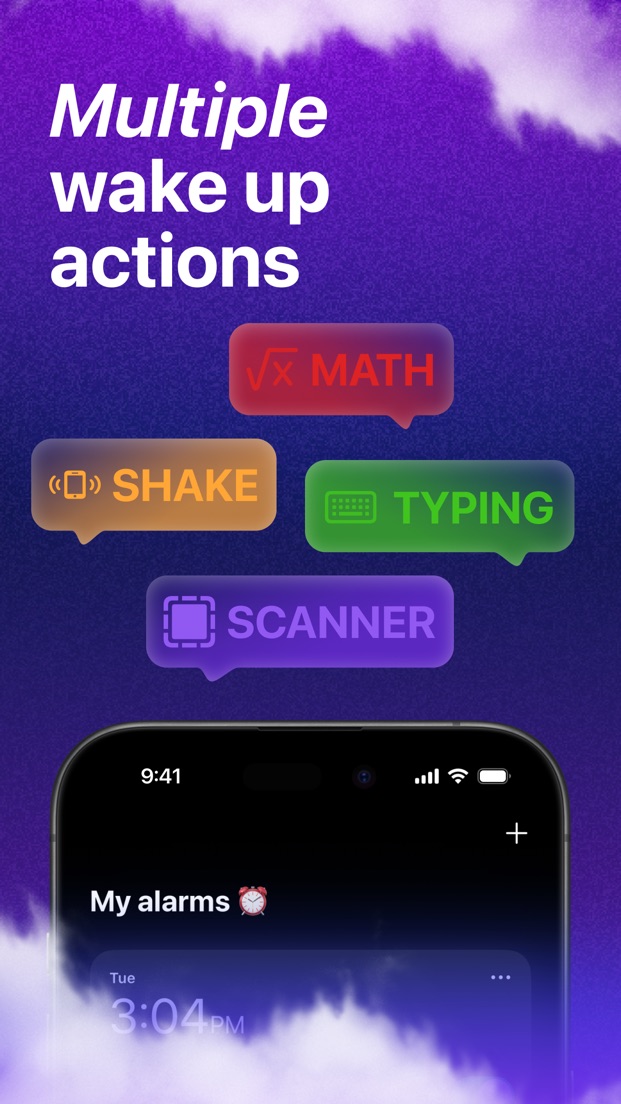
Every alarm gets its own task. Easy on Saturdays, merciless on Mondays. Math and Typing are free; the rest come with Rise Pro.
Solve sums to switch it off. Choose easy, medium or hard.
Type a phrase exactly to stop the alarm. Pro lets you write your own phrases.
Register any barcode in your home. To stop the alarm, walk to it and scan it.
Shake your phone until the count runs out. Hard to do while still lying down.
Tap the screen until the count runs out.
Read a distorted code and type it in. Prove you're a human, and an awake one.
Follow the moving target with your phone. Needs steady hands and open eyes.
Screens from the iPhone app.
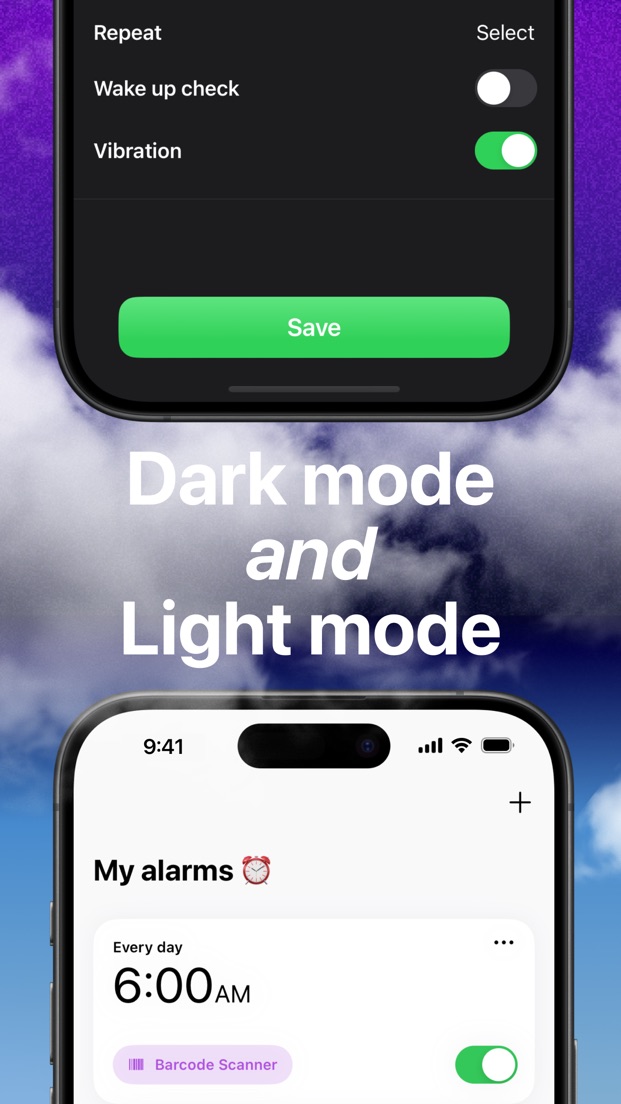
After the alarm, you get 100 seconds to confirm you're awake, or it rings again.
One-off alarms, weekdays, weekends, every day, or any days you pick.
Built-in sounds, or any audio file you choose.
Write the sentence you have to type each morning. Make it a motivating one.
Looks right at 6 a.m. in the dark and at noon in the sun.
Choose the app icon that sits on your home screen.
Your data stays on your device. Nothing is sold, shared or tracked.
Complete the task you picked for that alarm, such as scanning a barcode, solving a math problem or shaking your phone. The alarm keeps ringing until the task is done.
Seven: Barcode Scan, Shake Test, Tap Test, Math Problem, Typing Challenge, CAPTCHA and Target Track. Each alarm can use a different one.
An optional follow-up after the alarm (Rise Pro). You get 100 seconds to tap "I'm awake"; if you don't, the alarm rings again, so you can't silently fall back asleep.
Rise is free to download, and the Math and Typing challenges are free. Rise Pro unlocks every other challenge, the wake-up check, custom typing phrases and app icons, and is available monthly, yearly or as a one-time lifetime purchase.
Any iPhone running iOS 17 or later.
Yes. Choose one of the built-in sounds or pick your own audio file.
Practical reads on getting up on time.